







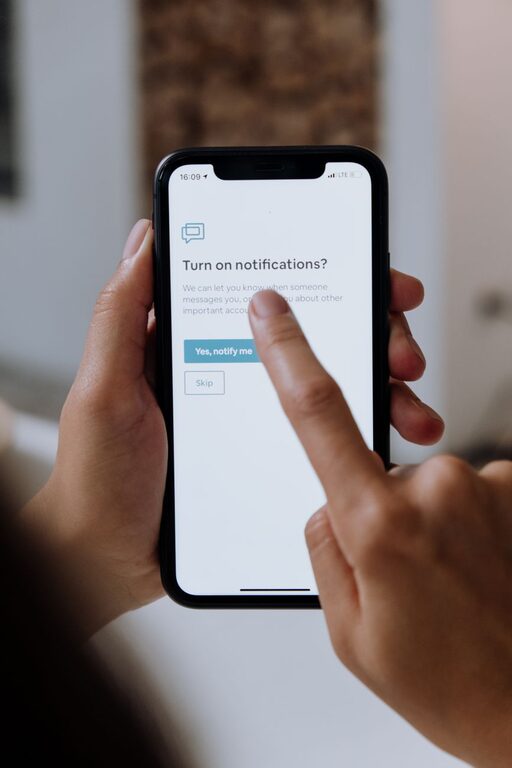
In today’s digital world, notifications from apps, emails, and social media are constant companions. While they can be helpful reminders, an overload of notifications can hinder your focus, increase stress, and disrupt your daily routine. Setting boundaries with notifications is essential to reclaiming control over your time and attention.
This guide offers practical tips to help you manage notifications effectively, so you can focus better and enjoy a healthier digital balance.
Why Setting Boundaries with Notifications Matters
It’s easy to underestimate how often notifications pull our attention away. Constant alerts can:
– Fragment your focus, making it hard to finish tasks
– Increase anxiety by creating a sense of urgency
– Impact your sleep if notifications arrive late at night
– Interfere with personal time and relationships
By setting boundaries, you can reduce these disruptions and create a more intentional interaction with your devices.
Assess Your Current Notification Habits
Before making changes, take a moment to understand your current notifications landscape.
– Track notifications for a day or two. Notice which apps send the most alerts.
– Identify unnecessary or low-value notifications. These might include promotional messages or updates you rarely interact with.
– Consider how notifications affect your mood and productivity.
This self-assessment helps you pinpoint where to focus your boundary-setting efforts.
Practical Tips for Setting Boundaries with Notifications
1. Customize Notification Settings on Your Devices
Most smartphones and computers allow detailed control over notification settings.
– Disable notifications for non-essential apps.
– Set notification styles to “silent” or “banner” instead of disruptive sounds or vibrations.
– Use “Do Not Disturb” modes during focused work periods or at night.
2. Schedule Notification-Free Times
Block dedicated time slots where notifications are paused.
– Use features like Focus Mode or scheduled Do Not Disturb on your phone.
– Inform colleagues or family when you’ll be offline to minimize expectations of immediate responses.
– Consider limiting notifications during meals, workouts, or relaxation times.
3. Prioritize Notifications
Only allow alerts from important contacts or critical apps.
– Mark contacts as “favorites” to ensure you don’t miss urgent calls or messages.
– Use “priority mode” features that filter notifications based on your preferences.
– Set email filters or labels to flag important messages and mute others.
4. Batch Check Notifications
Instead of reacting to each notification as it arrives, set specific times to review them.
– Allocate intervals during the day to check emails, messages, and social feeds.
– Turn off real-time notifications to avoid constant interruptions.
– Use app aggregators or notification centers to view multiple alerts in one place.
5. Manage Social Media Notifications
Social networks are often the biggest source of distracting notifications.
– Turn off non-essential alerts such as likes, comments, or friend suggestions.
– Limit notifications to direct messages or important calendar events.
– Consider uninstalling or logging out of social media apps during focus times.
6. Use Apps and Tools to Help Control Notifications
Several apps help manage and reduce notification overload.
– Focus and productivity apps like Forest or Freedom can block notifications and apps during work sessions.
– Email management tools like Spark or Clean Email can organize and prioritize inbox alerts.
– Explore built-in device options like Apple’s Focus or Android’s notification channels for tailored control.
7. Communicate Your Boundaries
Let people around you know when you prefer not to be disturbed.
– Set clear expectations with coworkers about response times.
– Inform friends and family about your digital boundaries.
– Use status tools on messaging apps to indicate availability.
Open communication helps reduce the pressure to respond immediately and supports your boundary-setting efforts.
Maintaining Your Notification Boundaries
Setting boundaries is an ongoing process. Here are some tips to maintain your progress:
– Regularly review your notification settings as apps update or your needs change.
– Reflect weekly or monthly on how your boundaries affect your focus and wellbeing.
– Adjust your schedule and settings as needed to optimize your digital experience.
Conclusion
Managing notifications isn’t about cutting yourself off but about creating intentional habits that support your productivity and wellbeing. By customizing settings, scheduling breaks from alerts, prioritizing important communications, and communicating your preferences, you can find a healthier balance with technology.
Start small, stay consistent, and enjoy the benefits of fewer distractions and improved focus in your daily life.